 Pecan
Workspace
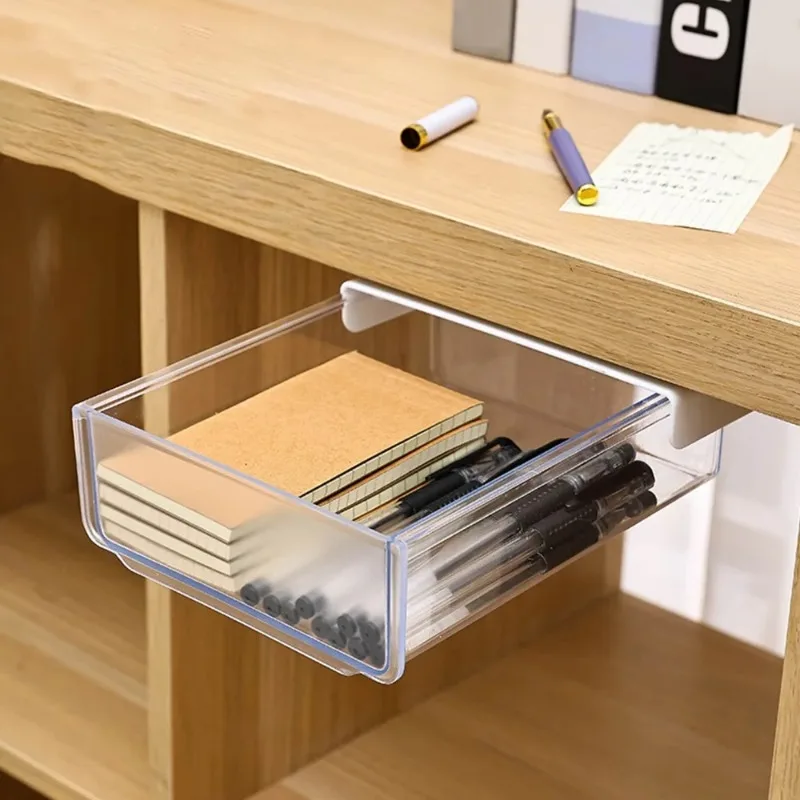
Small drawer under the desk
A shallow drawer can give pens and small accessories a place without occupying the top. Place it beneath a clear section of the work surface.
Price$9.09
Product details 
Charging, lighting and accessories for a more usable workspace. Start with the desk problem and check connections and clearances.
A shallow drawer can give pens and small accessories a place without occupying the top. Place it beneath a clear section of the work surface.

A clamp lamp aims light at a notebook without adding a base to the desk. This model needs USB power during use and has a switch on the cable.

A small aluminum-alloy tray keeps magnet-attracted screws in one visible place while you take something apart. The low rim defines the work area.

A tilting head and three speed settings produce a local breeze beside your desk. It draws power from USB during use.

A lower lip supports the phone while the backrest changes angle for a video call or viewing. Fold it smaller when the desk is needed for other work.

A screw clamp fixes to a suitable table edge while the long flexible arm moves a phone or tablet away from the work surface.

A flexible arm lifts some of the mouse cable above the desk. Leave a loose loop in front so the mouse can move without pulling the full cable length.

Two open rails support a laptop at one of six raised angles while leaving space beneath it. Fold the stand when the desk is needed for something else.

An articulated support changes the screen angle while a rotating base changes its direction on the desk. Fold it away after viewing.
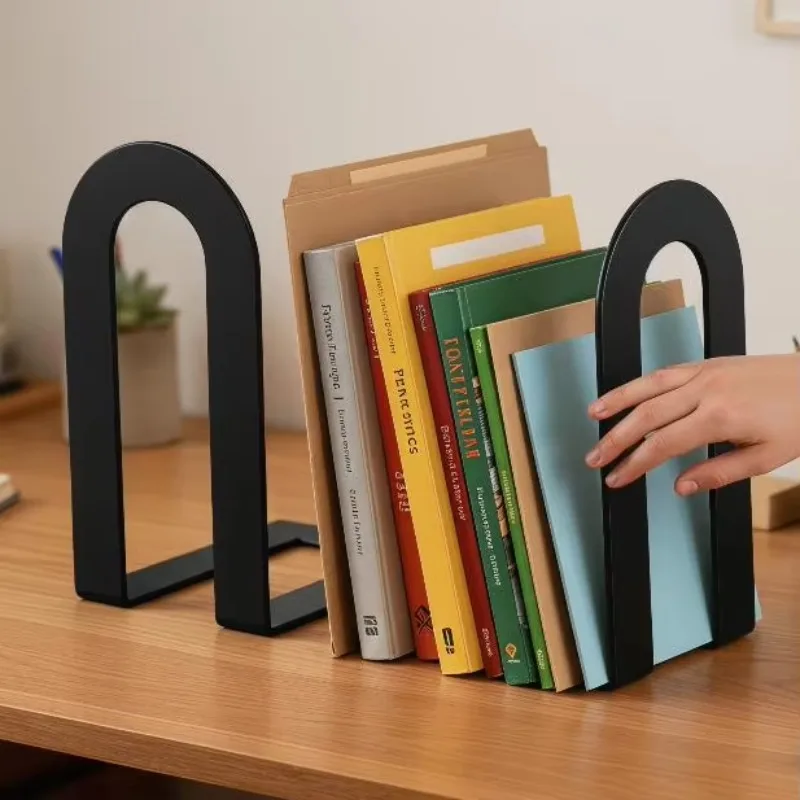
Place one at either end of a row of books; the base slips beneath the books to support them upright as the row changes width.

A top clip holds a printed A4 sheet beside your monitor, and a movable guide helps you track the current line while typing.

Thin flexible fingers reach dust between accessible keys and small grooves. Work with controlled short strokes.

Graduated open slots keep envelopes, letters and small notepads upright and visible so you can sort them by task.
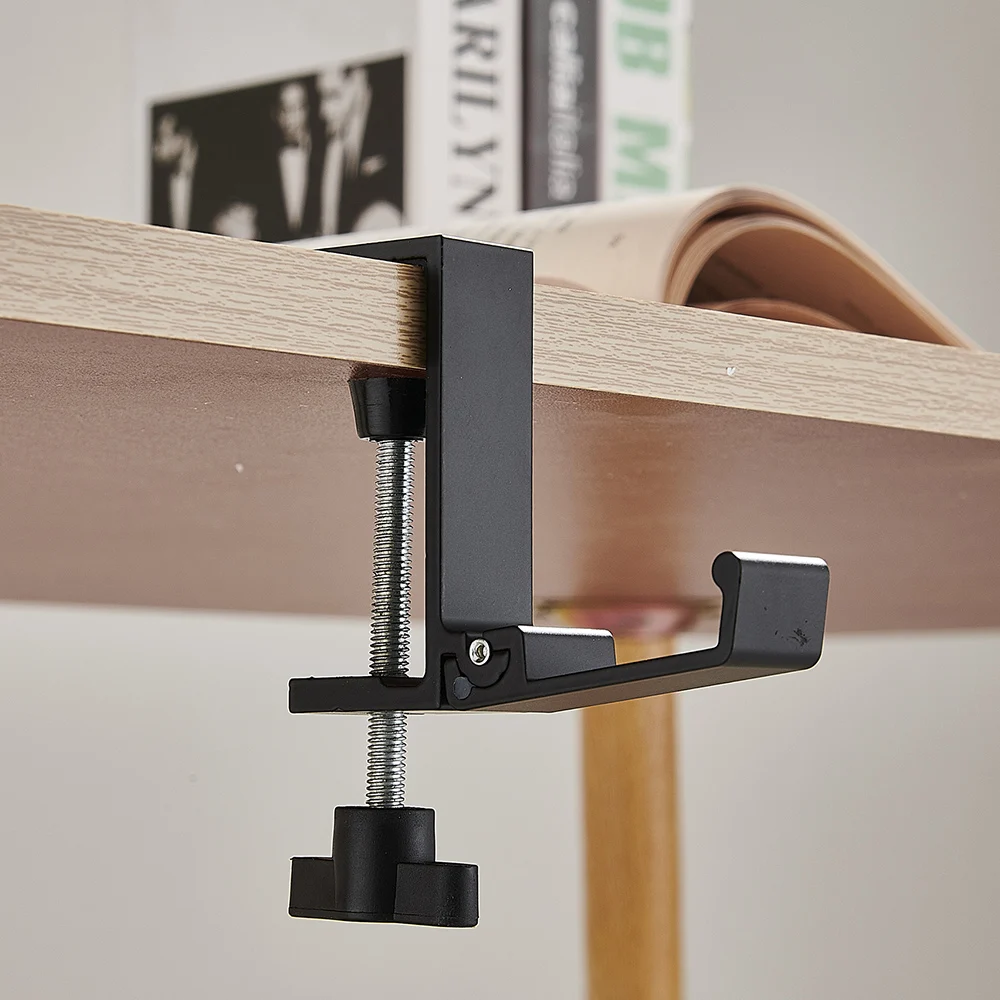
A screw clamp attaches a hook to a compatible desk edge so a bag can hang beside you instead of on the worktop or at your feet.

A continuous surface can hold a keyboard, mouse and writing tools in one defined part of a desk. Available colors vary by option.

Three open compartments at different heights keep pens, a small notebook and little desk items within sight.

Lower holders keep pages open while a book or notebook sits at an angle, freeing your hands for notes or a nearby task.

A clear memo board with a slim lower shelf groups notes and a small accessory at the edge of a computer screen.

A square-base stand with a flexible top cradle gives over-ear headphones a fixed place on the desk.
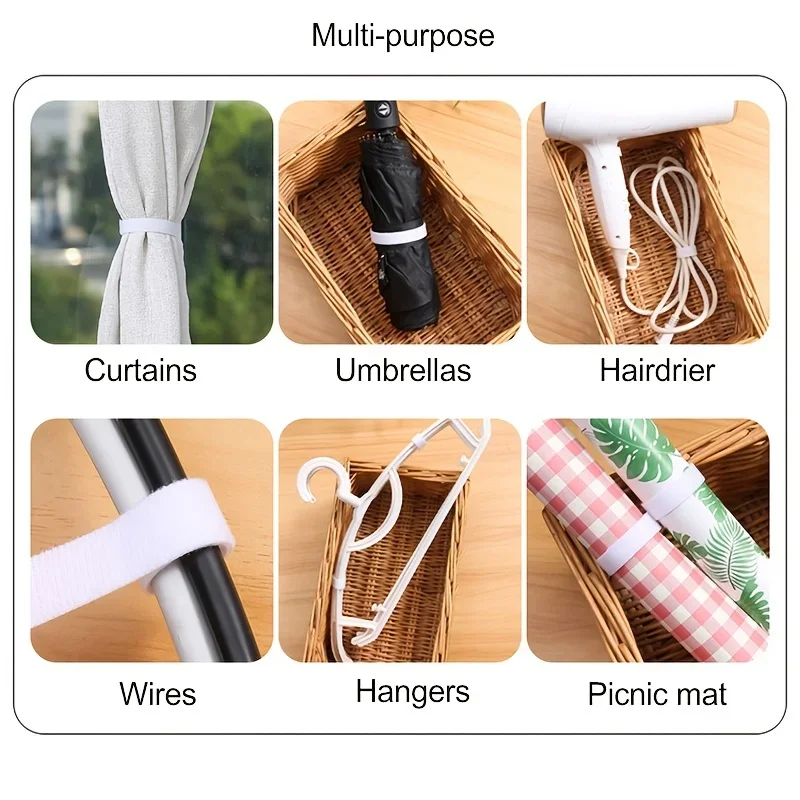
Cut a length from the five-metre roll, wrap it around suitable cables and reopen the hook-and-loop closure when needed.

Adhesive felt adds a separating layer beneath suitable chair and table legs. The square option has 72 pieces.
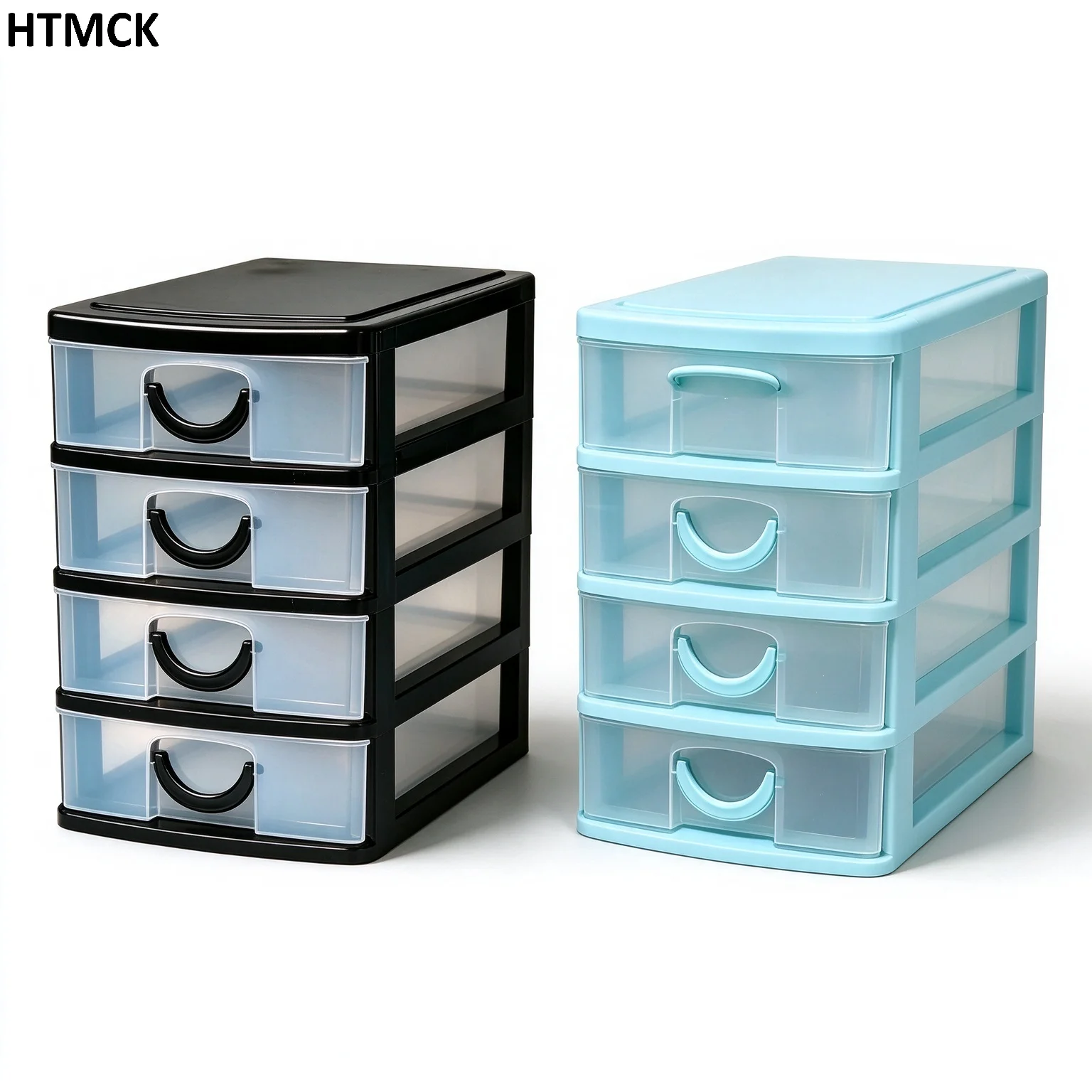
Four small plastic drawers hold clips, erasers and similarly sized desk supplies.
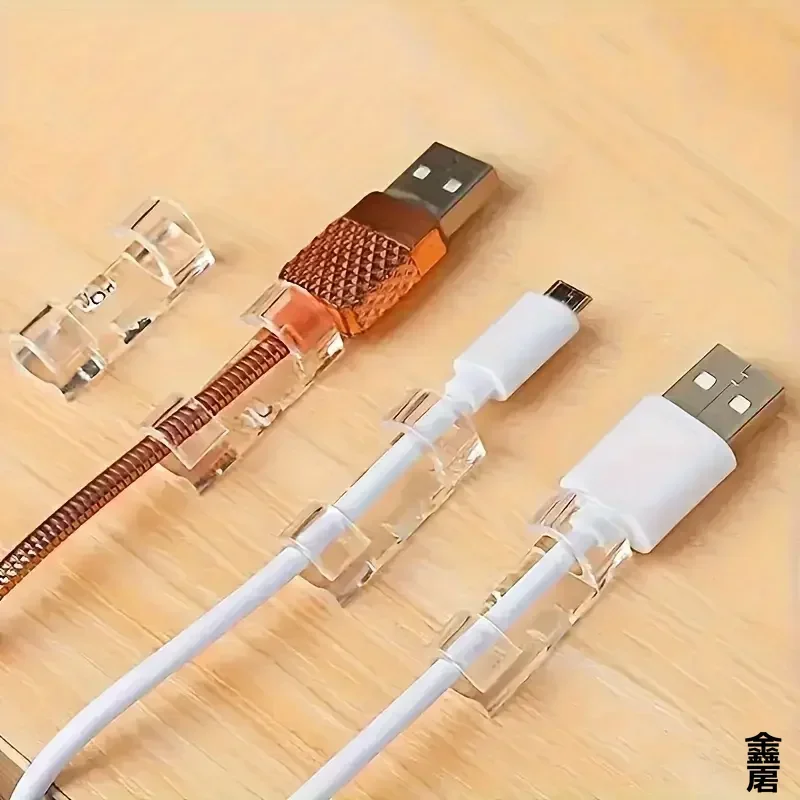
Small transparent clips create fixing points for cables along a desk or suitable furniture surface.

Light the desk from above a smaller monitor without taking up desk space. Check the screen mount.

Keep the time and weather information visible on your desk. Check the data source and language settings.

Blow or collect dust around a keyboard or camera equipment with suitable attachments. Follow lens care instructions.

Keep a drink warm on your desk with a small heated coaster. Check cup compatibility and heat safety.

Charge compatible devices together on a desk or nightstand. Check charging standards and power adapter.

Light the keyboard from above the screen without using desk space. Check screen thickness and USB power.

Connect a screen, wired network and memory card through one laptop port. Check USB-C video support.
Keep weather and temperature information visible by the desk. Check its data service and power source.
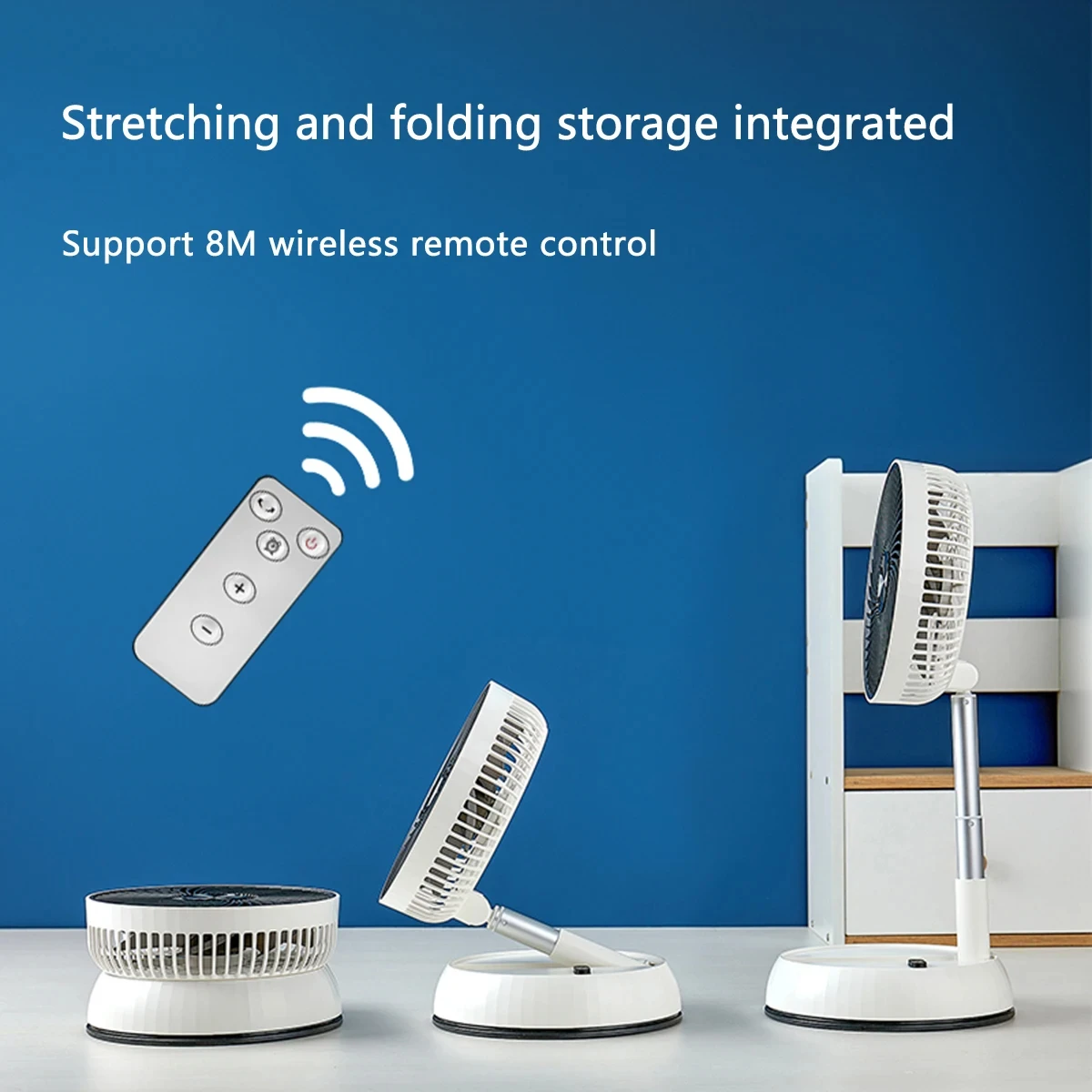
Move air near a desk and fold the fan for storage. Check height, battery and remote functions.

Add a little mist to a desk area. Confirm the model allows essential oils before using them.

Use a compact purifier near a desk or in a small room. Check filter availability and recommended coverage.

A microscope with a screen and stand for examining components, coins and small parts. Unlike a pocket model, the stand holds the viewing position while your hands work.

A compact electric screwdriver and bit kit for computers, devices and small screws. Built-in lighting helps illuminate the screw area, while bit and torque selection still depend on the device.
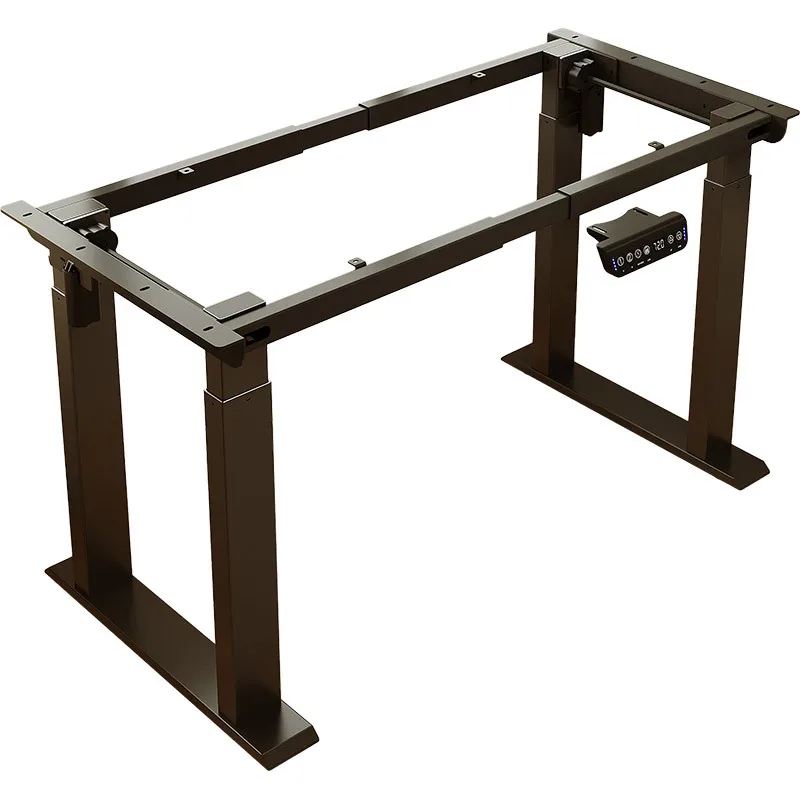
A powered height-adjustable frame for building a sit-stand desk with a compatible top. The listing describes two motors; it is a desk-building base rather than necessarily a complete desk.

A vertical-grip mouse with a 2.4 GHz wireless connection for trying a different hand position at work. Three sensitivity settings let you adjust pointer movement to your preference and desk space.

A rechargeable folding keyboard with a touchpad for a tablet or compatible device. Can reduce the need to carry a separate mouse when typing away from your usual desk.

A portable display for extending a workspace or connecting a compatible device. The listing offers touch and non-touch versions, so select the actual option rather than relying on the main picture.

A portable A4 document printer with Bluetooth and USB connections. Thermal printing uses compatible paper, offering portable document printing without ink cartridges.
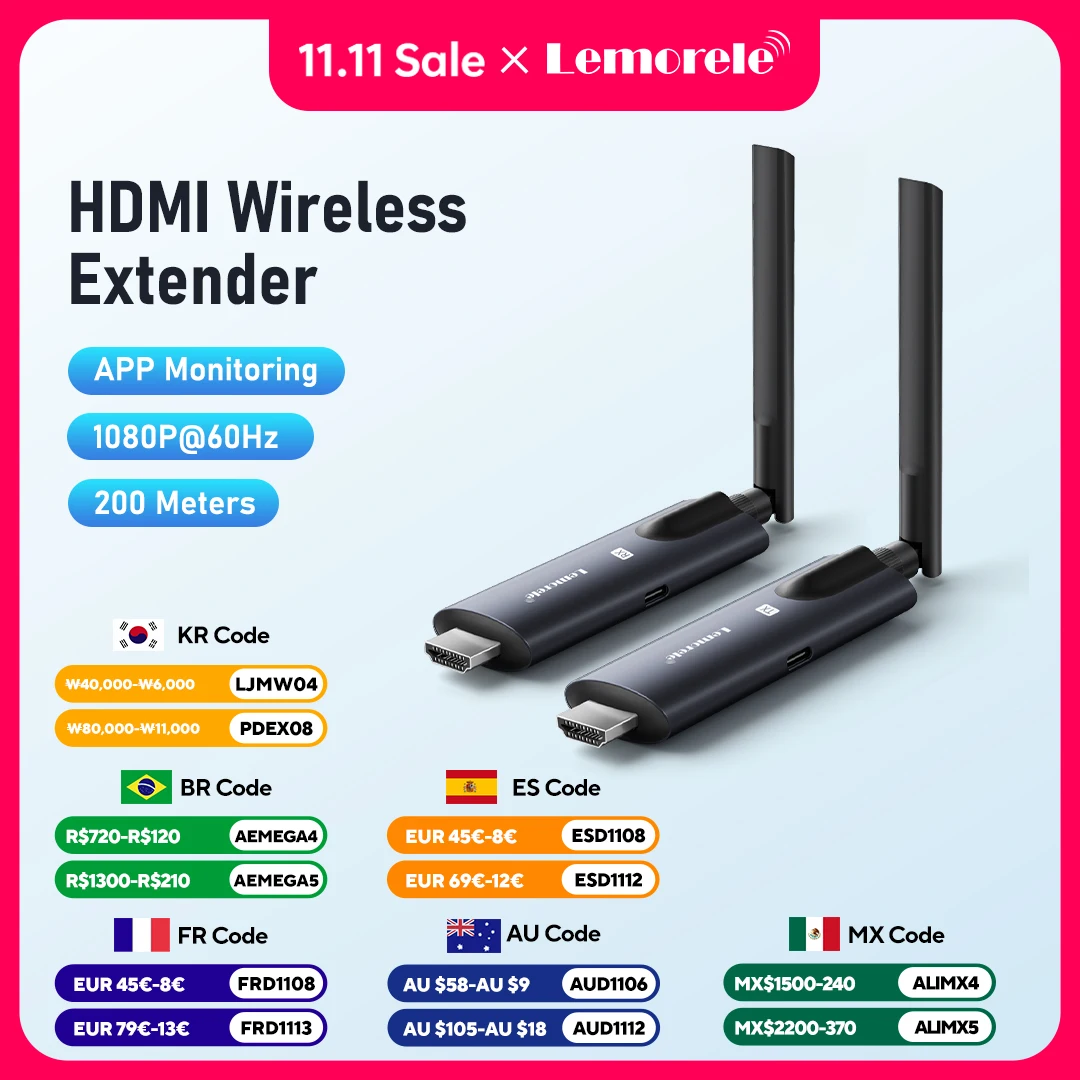
A wireless video link between a compatible source and a screen or projector. Useful when avoiding a long HDMI cable, provided its image quality and latency meet your needs.

An LED desk lamp combining Qi wireless charging with a clock and calendar display. Useful for combining light and charging when the phone supports the required wireless standard.

A computer-call speaker and microphone unit with a mute button and stated omnidirectional pickup. Suits a table where several people need to speak without passing a headset around.

A riser can hold a screen above shallow compartments for small desk items. Check screen position while seated; The shallow compartments keep smaller desk items close to the screen.

Standing a closed laptop on its edge can reclaim desk area when you use an external screen. Choose a stable place away from edges and active work.

A tray under a suitable surface can hold loose leads and a power strip away from the worktop. Plan access to switches and the route of every lead.
No products match this filter
The linked store determines final price and shipping.
Check computer compatibility and leave room for hands and cables. For chargers, compare supported standards and device power requirements, not just connector shape.