 Pecan
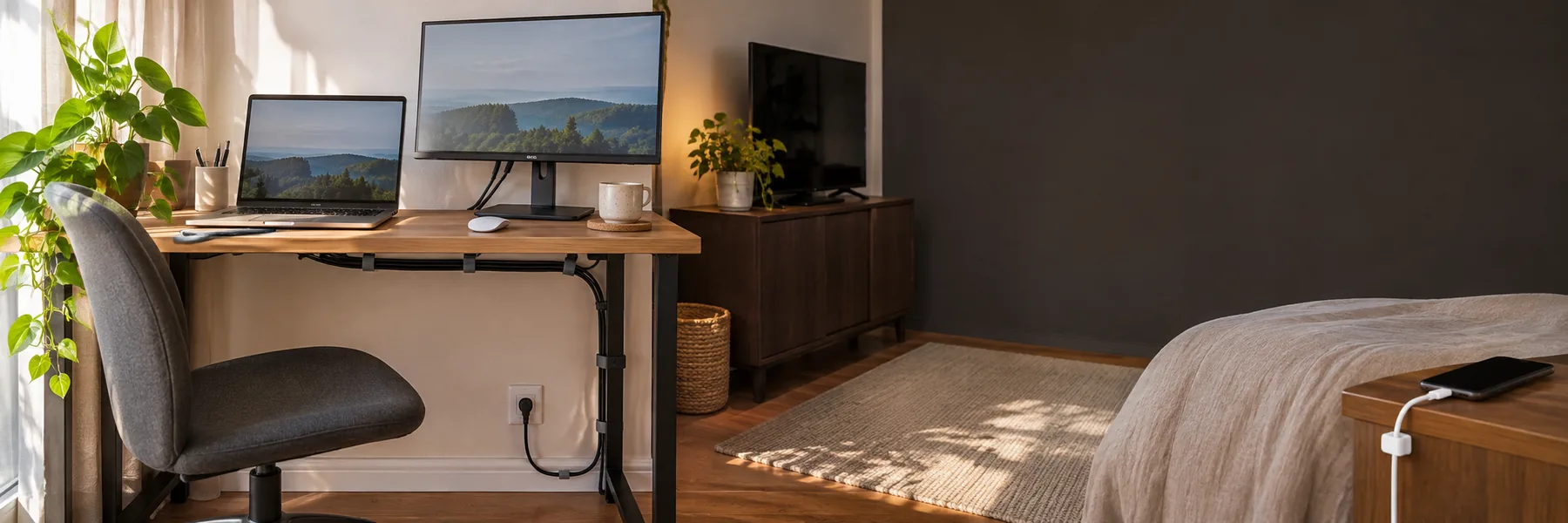
The charger slipping behind your bedside table is not the same problem as the cables behind the TV. Beside the bed, you need one end to stay put. Behind the screen, you need to know what to unplug when a device changes. Under a desk, you want the spare lengths out of your legroom. Treating all three as a single tangle usually leads to one large bundle that looks tidy until something needs replacing.
First, follow each lead from end to end. Which device does it belong to? Is that device still there? Where is its plug? A small label near the end may seem fussy, but it beats unplugging the router by accident while looking for the TV cable. Disconnect and move equipment according to its instructions before rearranging it.
Cable organizers have limits. A damaged lead, one crushed by furniture or one crossing a walkway needs a better route or replacement, not camouflage. Electrical Safety Foundation International advises against running extension cords under rugs, using them while coiled or keeping worn cords in service. Keep outlets and power strips accessible, and do not cover connections or equipment vents for the sake of a cleaner view.
At the desk, gather excess without pulling things tight
A monitor and desk lamp tend to stay connected. A laptop, phone or pair of headphones moves around. Put all those leads into one tight bundle and moving the laptop will tug at the fixed equipment too.
Fixed cables can run behind the desk, with spare length gathered in an open tray underneath. The under-desk cable tray in the Pecan catalog is one option. Before choosing it, check that the underside of your desk suits adhesive mounting, that there is still room for your knees, and that you can reach the tray when a cable needs replacing. Leave a little slack for anything you pull forward to clean or disconnect. A tray that hides every plug but makes none of them reachable has moved the problem rather than solved it.
A wired mouse or another device that travels across the desktop needs its own free run. Move it through its normal range before fixing a clip or tightening a strap. If only one charging cable keeps falling off the desk, a whole tray may be unnecessary.
Behind the TV, organize for the next change
The point here is to identify the lead for the screen, router, streaming box or speakers when one of them is swapped. After labeling, group cables in a few small runs by destination. A reusable hook-and-loop strap holds a group and can be reopened without cutting it. Several small straps are easier to work with than one band around every lead.
Do not cinch the straps until connectors are pulled sideways or cables are squeezed. Allow for the unit or cabinet to move, and for one device to come out on its own. If the cables reach the floor, check their path before pushing furniture back: a hidden cord can still be trapped under a cabinet or cross the route people walk through. A phone photo of the finished connections can be useful the next time a device changes.
By the bed, solve the small annoyance
Here the job is often just to stop a charger tip falling to the floor. A small adhesive cable clip can hold it at the edge of a bedside table where it is easy to find at night. Check that the opening fits your cable, the adhesive suits the surface, and removing the phone will not put a sharp bend next to the connector.
Before sticking anything down, sit or lie where you normally use the phone. The cable should reach without being stretched, and the drawer should open without pinching it. If the only route takes a charging lead across the walkway, another clip will not fix the position of the outlet.
Finally, try unplugging one device in each area without undoing the rest. A useful cable setup is one you can understand and change later, even if you can still see a few wires.