 Pecan
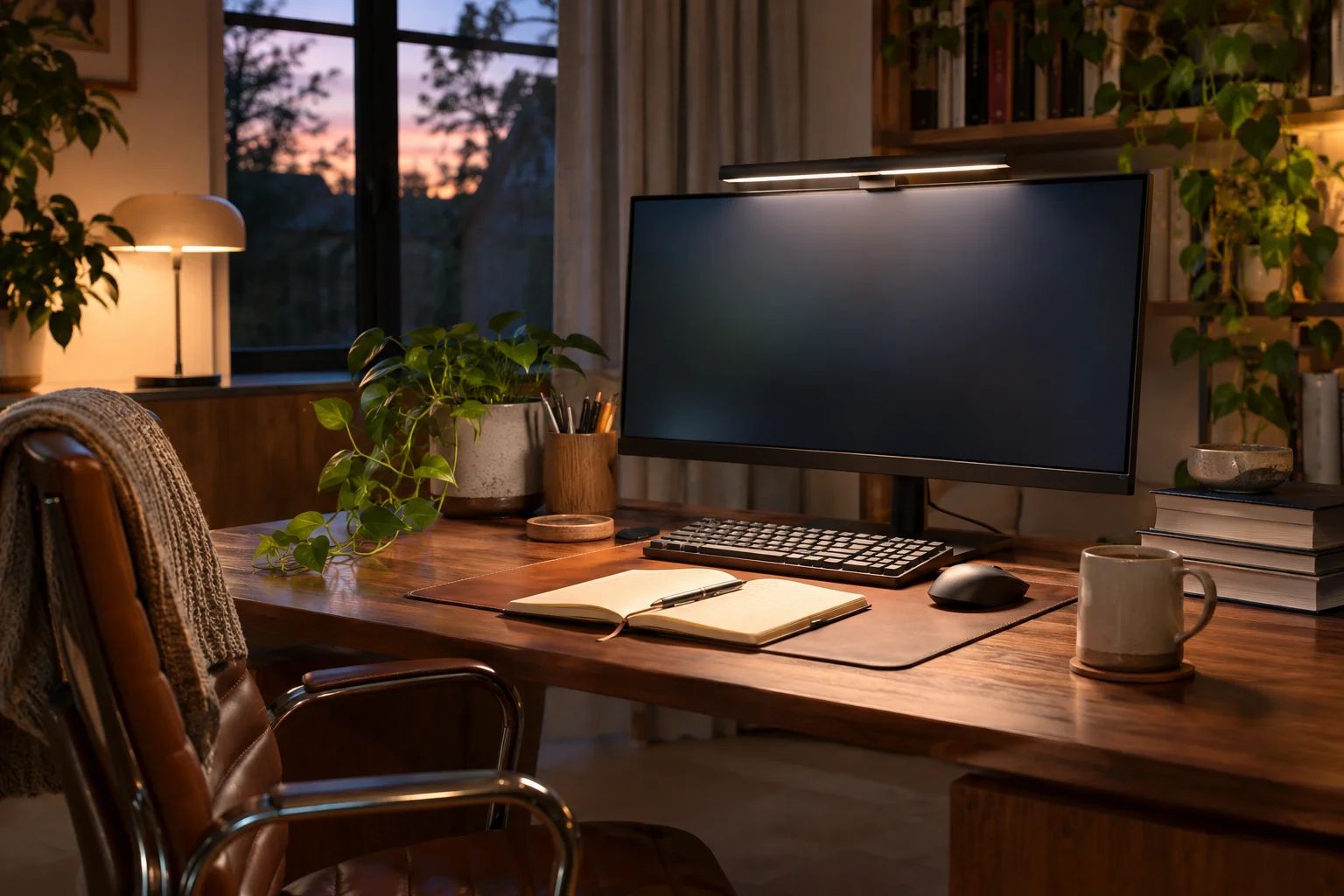
Compact or wide monitor light: which fits your desk?
Start with the monitor mount, then choose the area you need to light.
Some product links are affiliate links. We have not physically tested these items.
A monitor light sits above the screen and frees desk space, provided its mount fits the actual display. A webcam, curved back or slim bezel can affect that fit.
Measure the work area rather than choosing a light simply because its length resembles the width of your desk.
Length is only one part of the choice
A shorter bar may suit a notebook and compact keyboard. A longer one can cover a wider work area, but placement still affects glare and shadows.
Compact 30 cm light bar

The listing describes a 30 cm bar with adjustable brightness. Check whether the mount grips your screen securely and leaves your webcam clear.
Limitation: A small bar may not cover a wide work area.
Wide 50 cm light bar

The listing describes a 50 cm bar. It is worth considering when the keyboard and papers take up more space, if the mount fits your screen.
Limitation: A longer bar does not automatically prevent screen reflections.
Choose the screen before the lamp
If neither mount fits securely, a conventional desk lamp may work better. Otherwise choose the length for the part of the desk you actually use.
More articles →About sources and selection
Based on product information and images available in the Pecan catalog. This is neither a hands-on test nor a sales ranking. Check measurements, included items and fit for the exact option with the seller before ordering.