 Pecan
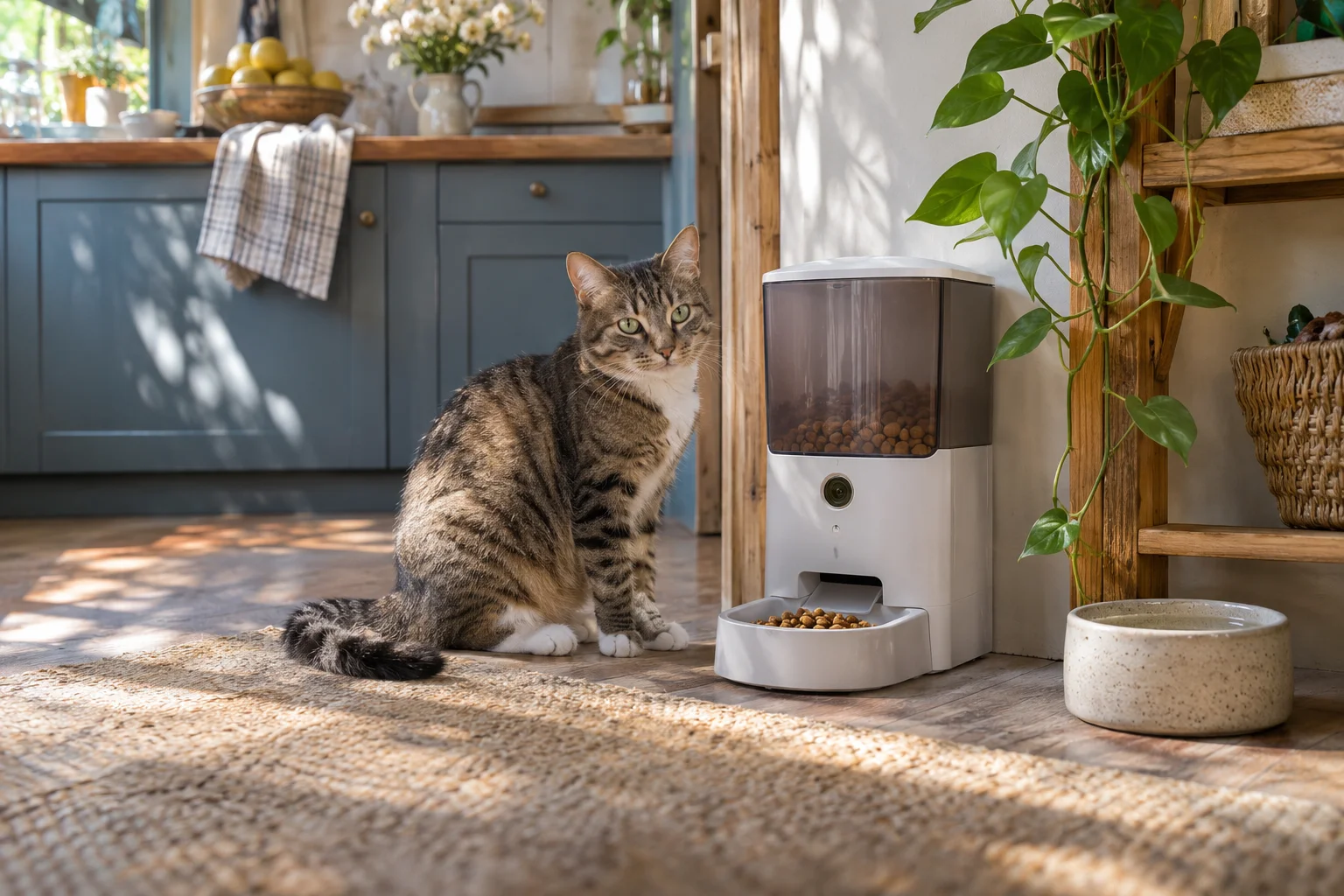
Automatic pet feeder with camera: what to check
The camera shows the bowl; feeding reliability depends on more.
Some product links are affiliate links. We have not physically tested these items.
Check kibble size, hopper capacity, portion settings and your pet’s feeding needs before changing its routine.
A camera view does not prove the correct amount came out. Watch several feeding cycles at home and make sure food does not jam.
Plan for an outage, too
Check what happens without internet or power, whether the schedule remains stored and whether a backup is available. Test the Wi-Fi signal where the feeder will stand.
Compact feeder with camera

The compact listing describes timed portions and a camera. Compare the hopper and portion mechanism with the food you actually use.
Limitation: A small body may mean less food capacity; verify the selected version.
Cat feeder with camera

A second timed-feeding option. Compare its bowl and hopper with your cat’s routine, not only the advertised video features.
Limitation: With several cats, one feeder cannot ensure that each eats an equal portion.
Test it while you are home
Run it for several days while you can observe the portions, Wi-Fi and cleaning. Then decide whether it fits your routine.
More articles →About sources and selection
Based on product information and images available in the Pecan catalog. This is neither a hands-on test nor a sales ranking. Check measurements, included items and fit for the exact option with the seller before ordering.